As we pave the way for a massive update to our platform in 2027, we are thrilled to release an immediate capability to make your assessment workflows faster and more intuitive today. Meet Designer 2.0 Lite.
This new release streamlines how partners build and apply custom designs by integrating the process directly into your existing setup and TCO workflows.
What’s New in Designer 2.0 Lite
Designer 2.0 Lite brings your target AWS procurement and modernization strategies directly into the initial stages of your workflow.
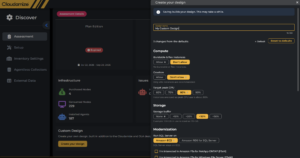
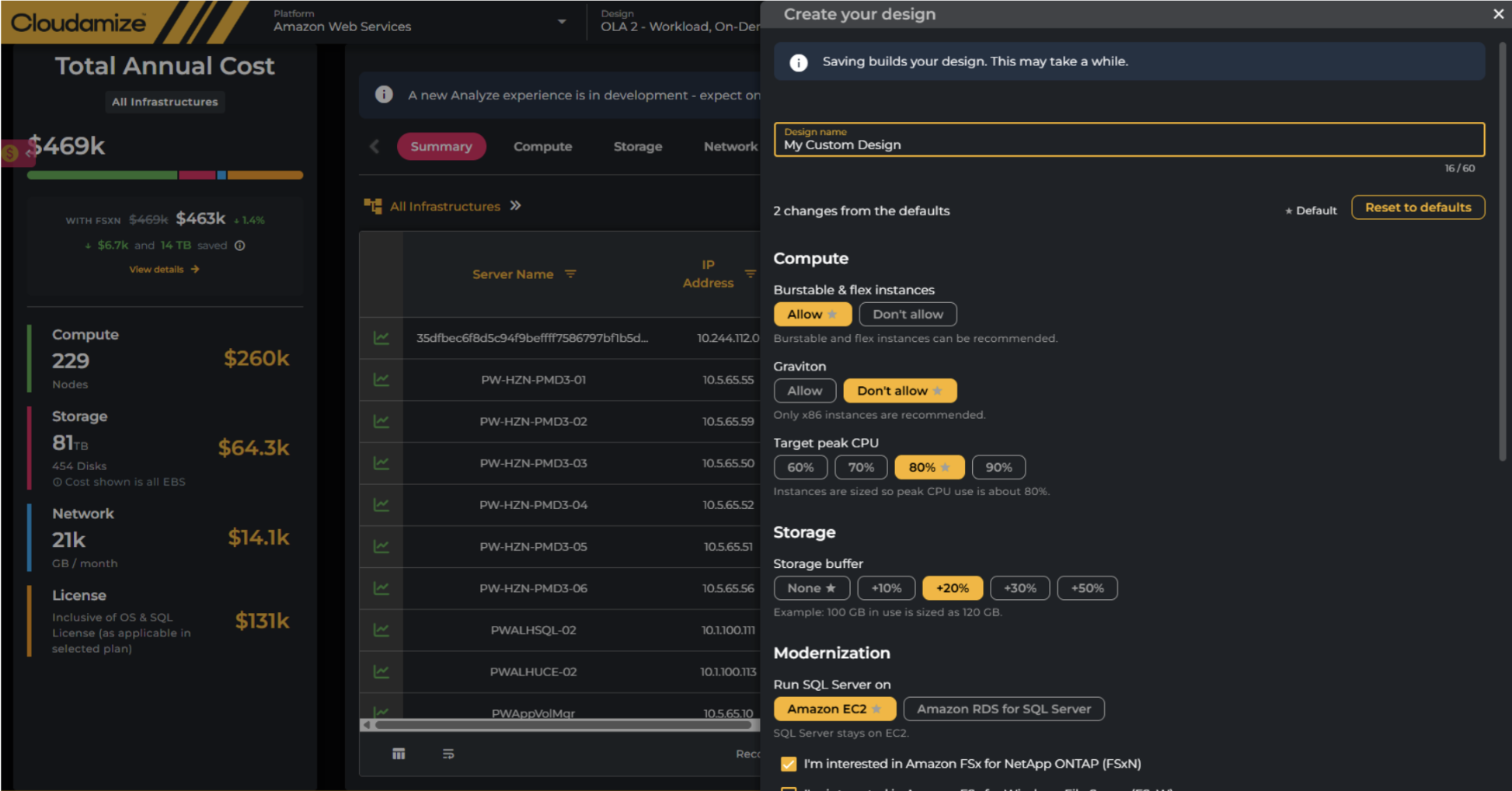
- Create Custom Designs in DISCOVER: You no longer have to wait until the end of your workflow to start designing. You can now define your initial design directly during the Start Assessment wizard within the DISCOVER component.
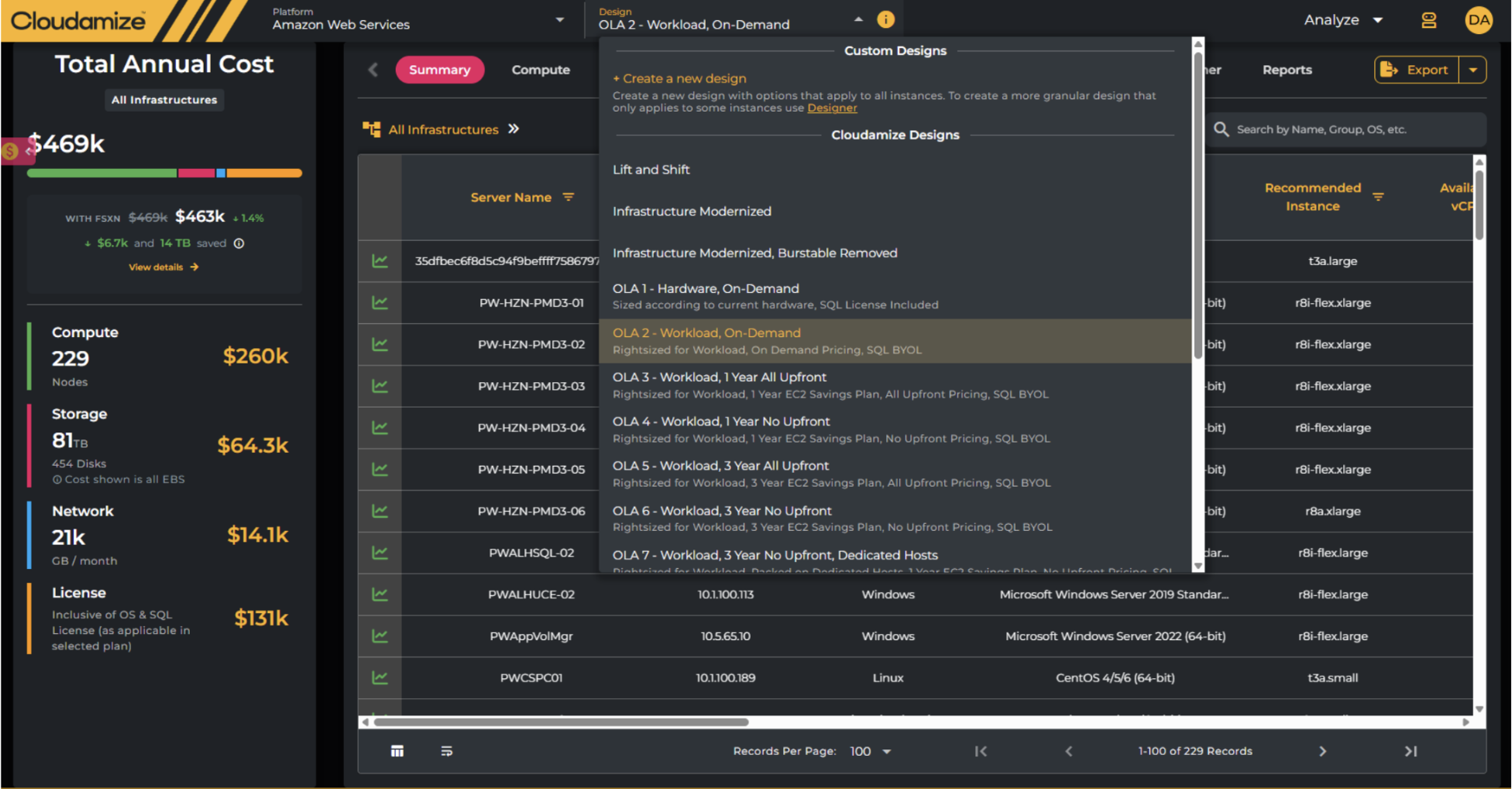
- A Refreshed ANALYZE TCO Screen: We’ve updated the Design list within the ANALYZE component’s TCO screen. Your Custom Designs now automatically pin to the top of the list under “Your Designs” for quick access.
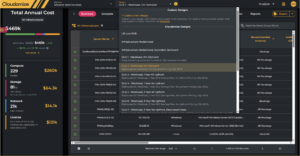
- Skip the Legacy Tool: Need a new design on the fly? You now have the ability to generate, update, or re-run a new Custom Design directly from the TCO screen without ever entering into the legacy “Designer” function.
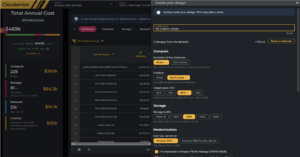
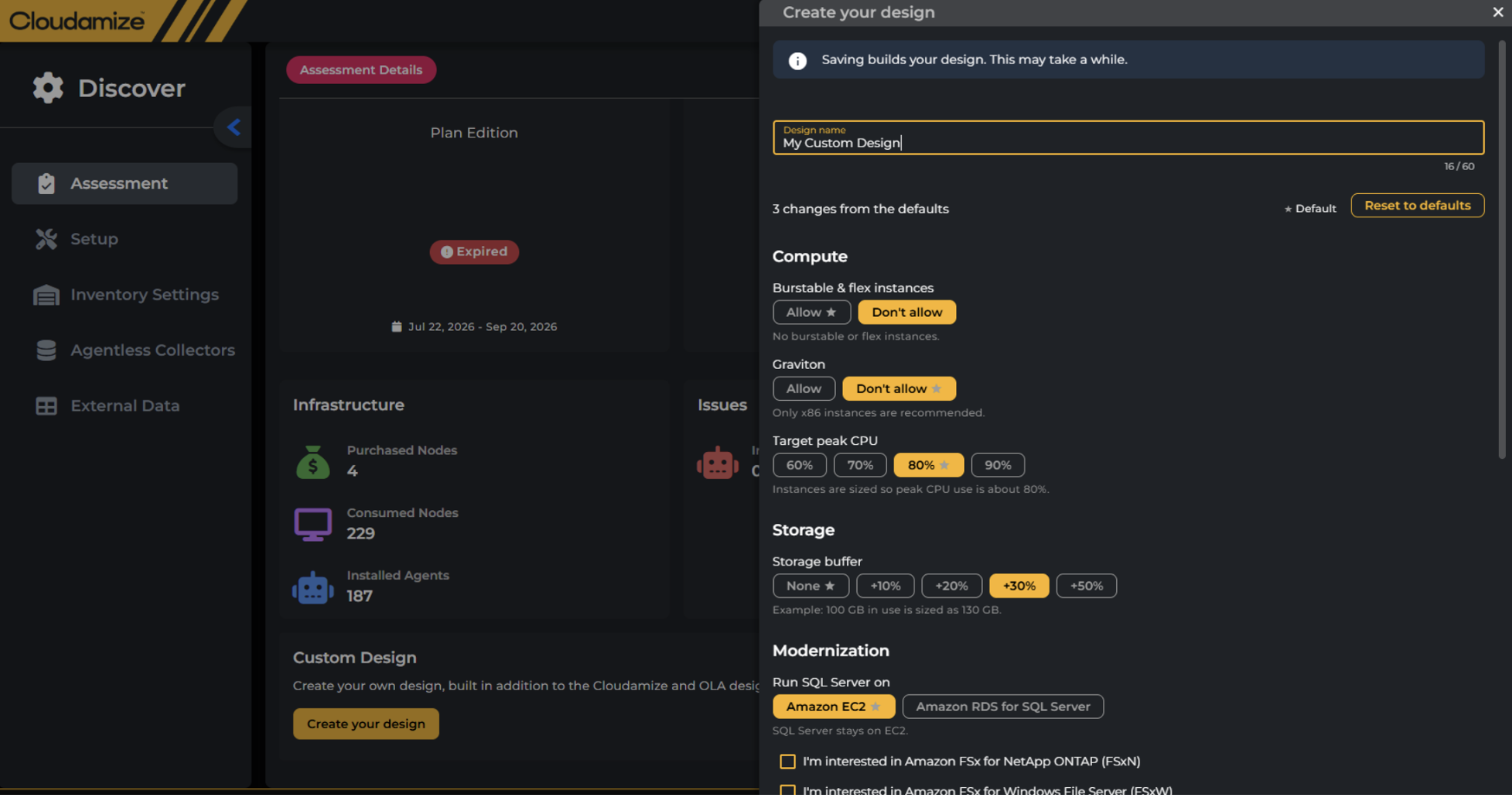
Configuration Capabilities: Standard & Advanced Options
Whether you need a baseline right-sizing recommendation or are planning a complex modernization strategy, Designer 2.0 Lite allows you to set preferences across the board. By enabling these quick options on each design, we’re able to ensure that your output perfectly matches your strategy.
| Standard Options Sizing and procurement preferences |
Advanced Options Modernization and instance preferences |
| Pricing and Commitments Set Savings Plans or Reserved Instance assumptions, including 1 or 3 year terms. |
Burstable Instance Exclusion Exclude T-series families from sizing recommendations. |
| Storage Headroom Add capacity buffers for future growth. |
Database Modernization (RDS) Model a move from self-managed databases to Amazon RDS. |
| Compute Sizing Preferences Set sizing rules and instance family preferences. |
File System Modernization (FSx) Select FSx for NetApp ONTAP (FSxN) or FSx for Windows File Server (FSxW). |
Important Note on Server Scope
Designer 2.0 Lite is built for speed and broad, environment-wide application. To ensure rapid processing and immediate TCO insights, the design options you select within this new functionality will automatically apply to ALL servers in the environment.
If your assessment requires granular control — such as tailoring configurations, architectures, or pricing for specific subsets or individual groups of machines — the legacy Designer function remains fully available for those deep dives.
Get Started
Consider this a sneak peek of what’s to come when we roll out the full version of Designer 2.0 next year.
For full technical details, known limitations, and step-by-step instructions on setting this up, check out our official Custom Designs Support Guide.
Ready to get started? Contact us to start the discussion.
Author